AI Hug
Video Generator
Two people step toward each other and share one warm hug.
- Length
- 10s
- Format
- Vertical 9:16
- Audio
- AI music or none
Works with: Two people
Used for your video only. Deleted within 24h after delivery.
One free preview per browser.
Full videos from $5.98 each when purchasing opens. No subscription.
Video packs and delivery
Each completed video uses one video credit. Packs work across the available templates, with no subscription. AI results can vary; watch the real examples before choosing your template.
- 1 videos for $9.90
- 3 videos for $19.90
- 5 videos for $29.90
An optional free preview is one watermarked still image, not a full video. Visitors from ChatGPT can go straight to the examples and prices. Your video remains available for seven days; uploaded photos are removed within 24 hours after delivery.
What your AI Hug video will look like
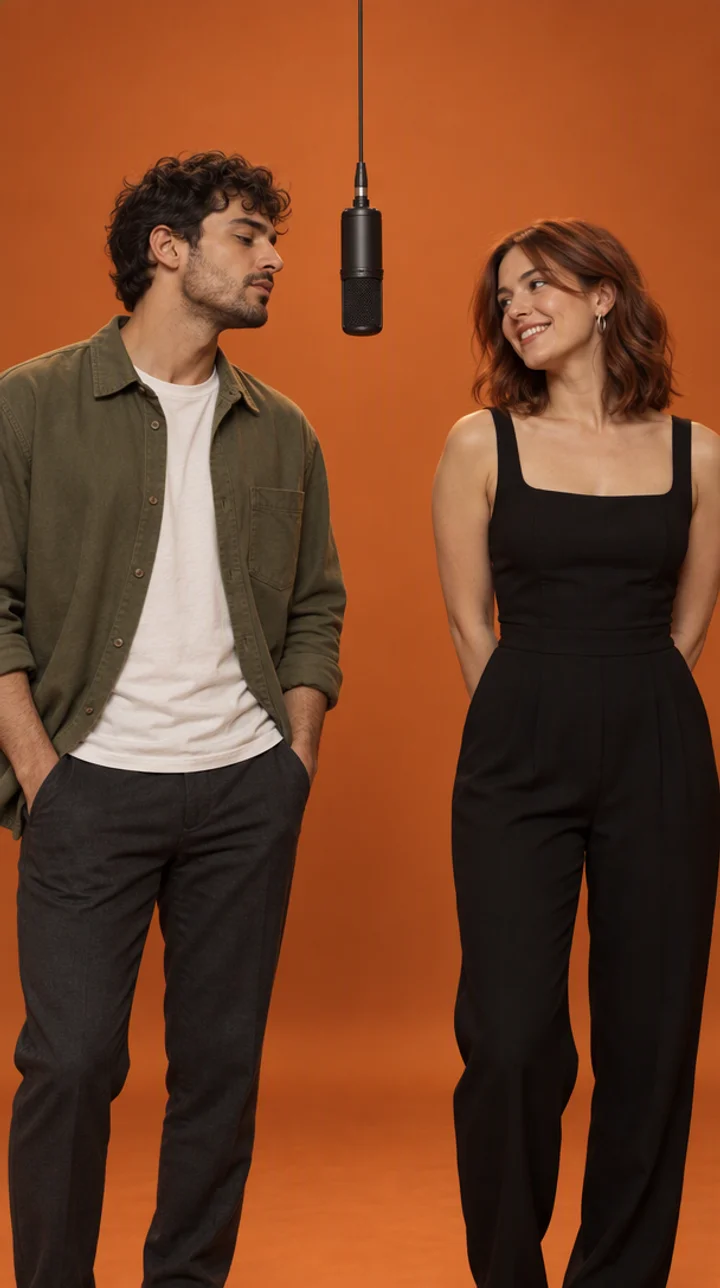
Two people stand a few steps apart in soft light, catch each other’s eye and smile, then walk in and wrap each other in a warm hug, swaying a little before the clip ends. This AI hug video generator makes that moment from two separate photos, so you can hug a partner, a best friend or a family member who lives far away, even if you have never been photographed together.
Where the AI Hug meme came from
The AI hug is not a single viral clip but a format that keeps coming back. It first spread on TikTok in autumn 2024, when people put two photos side by side and asked image-to-video tools to "make them hug". In September 2025 it returned on Instagram with polaroid-style hugs, and it has stayed one of the most-used AI video templates since, because it works for almost any two people.
How to make the AI Hug video
- Choose who is in it.
- Add the photos the upload slots ask for, then confirm you have permission to use them.
- Check the free preview frame (you can download it with a watermark), then continue to the full 10-second video.
Photo tips for two people
Upload two photos, one for each person. Use clear, front-facing photos with the whole face visible and even light; waist-up works best. The first photo becomes the person on the left and the second the person on the right.
Both people must be adults who agreed to be in the video. Each person needs their own photo; a single photo with both of you in it makes the faces harder to keep apart.
A sound of your own
Hug videos are usually shared with soft piano or an emotional song. Your video comes with an original AI-made track, or with no music so you can add your own sound when you post.
Use an original AI soundtrack, or download without music and add a sound inside your social app.
AI Hug variations to try
Long-distance couple
Bring two people together who are rarely in the same place, using one recent photo of each.
Best friends
Two friends, one hug. Works well with similar lighting in both photos.
Parent and adult child
A warm moment between family members, as long as both are adults who agreed to it.
Polaroid look
Pick photos with soft, warm light to get closer to the nostalgic polaroid style.
Common AI Hug mistakes
- Using one photo with both people in it: the faces can merge. Upload one photo per person.
- Photos with very different lighting: one person can look pasted in. Choose photos taken in similar light.
- Side profiles or sunglasses: the face can change when the two turn into the hug. Use front-facing photos.
- Uploading in the wrong order: the first photo is the person on the left.
- Uploading a photo of a child: we only make videos of adults, so childhood photos cannot be used.
Is AI Hug still trending?
EvergreenAI hugs have stayed popular since 2024 and come back around holidays, anniversaries and long-distance moments. It is a safe template to post at any time.
AI Hug FAQ
How do I make the AI hug video?
Upload one photo of each person, confirm you have their permission, check the free preview frame, then continue to the full 10-second video.
Can I make it from one photo with two people in it?
This template needs two separate photos, one per person. Crop each person from a group photo if you need to.
Is the hug trend a photo or a video?
Both exist online. This template makes a 10-second vertical video of the two people walking in and hugging.
Can I hug my younger self?
Not here. We only accept photos of adults, so childhood photos cannot be used.
Do I need permission to make an AI hug video of someone?
Yes. Both people must be adults who agreed to be in the video, and you confirm this before uploading.
Is the AI hug video generator free?
You can try it free: your first preview frame costs nothing, needs no sign-up and can be downloaded with a watermark. The full video is a one-time purchase with no subscription.
Is there an AI hug app?
No app needed. The AI hug generator runs in any browser on your phone or computer.